 Membership Marketing
 The preferred restaurant membership system in Singapore—seamlessly integrating ordering, payments, and loyalty management.
Centrally manage all branch menus from a single back-office, making it effortless to update products and pricing.
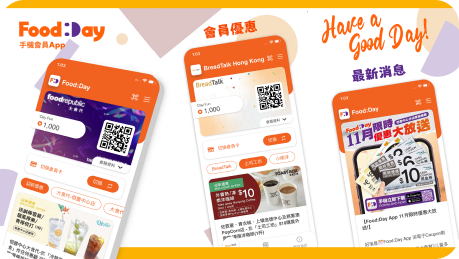
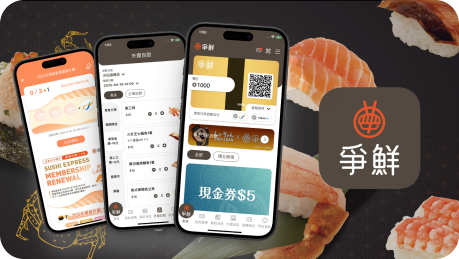
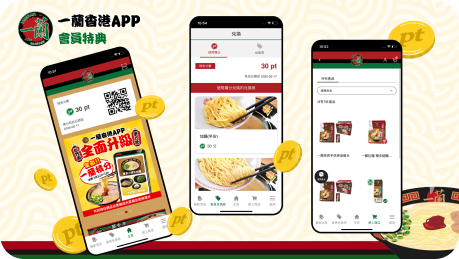
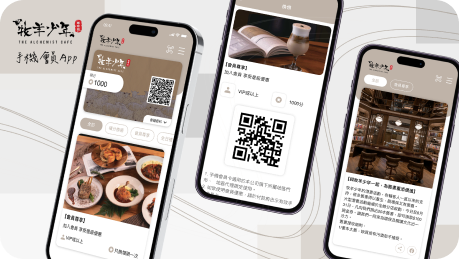
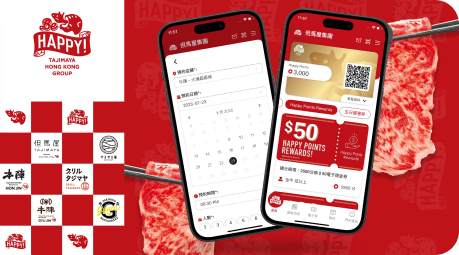
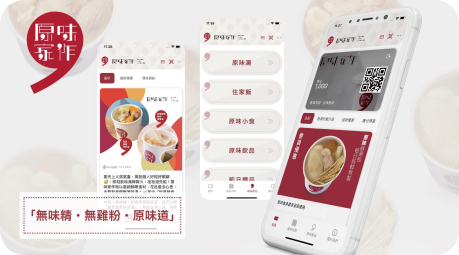
Configure menus, pricing, and inventory in the back-office, empowering individual branches to make real-time adjustments like marking items as sold out or setting time-specific availability. Fully supports complex F&B requirements, including set menus, add-on items, and flavor customizations. All menu updates are synced instantly across every channel.
Unify the management of dish names, descriptions, prices, categories, and images in the back-office. Update once, and changes sync instantly across all branch apps, eliminating the need for store-by-store manual updates.
Individual branches can mark items as sold out based on real-time inventory, restrict specific dishes to lunch or dinner menus, and tweak portion or flavor options. Empower branches with operational flexibility while maintaining HQ's baseline rules.
Fully supports multi-level modifiers and customizations. Easily configure options like hot/cold/less ice for drinks, base choices (rice/spaghetti/extra portions) for mains, and specific toppings (extra egg/no scallions) to perfectly satisfy complex local dining demands.
Centrally create all dishes, prices, categories, and images, and effortlessly configure your basic menu options.
Branches can log into the back-office to mark items as sold out, adjust time-specific availability, and modify portion options based on real-time conditions.
Once HQ updates the menu (e.g., adding seasonal items), changes go live instantly across all branch apps and web platforms.
Configure set meals or add-on options, allowing customers to freely mix and match while easily increasing your average order value (AOV).
Preview the customer-facing interface before publishing updates to ensure visually appealing layouts and accurate information.
Yes. You can set a baseline menu and pricing, and allow individual branches to adjust their actual selling prices. Price differences only apply to that specific branch, so customers will only see the pricing for the location they are ordering from, eliminating any confusion.
Branches can independently mark items as sold out in the back-office to handle sudden shortages. HQ can then centrally monitor the sold-out logs for all branches.
Updates are instant. Once changes are saved in the back-office, customers will see the latest menu the next time they refresh the page. We recommend making updates during off-peak hours to avoid disrupting the ordering experience for active customers.
Yes. You can configure menus to appear only during specific time slots, designating which items are available, unavailable, or hidden. The system automatically switches the menus based on the current time, completely eliminating manual work for your staff.


