 Membership Marketing
 Mobile.Cards Membership System & Restaurant Online Ordering
From automated order receiving to instant pickup, craft the ultimate seamless and smooth takeaway experience for your customers.
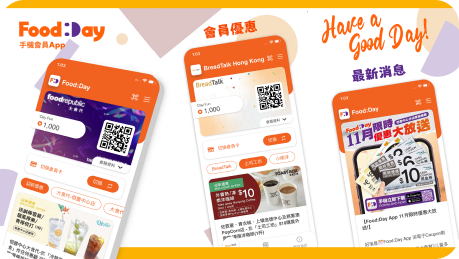
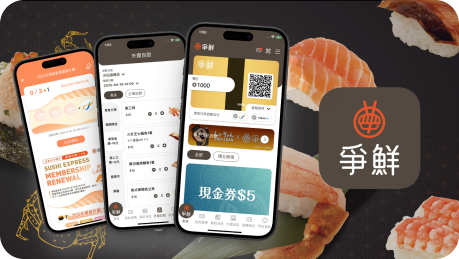
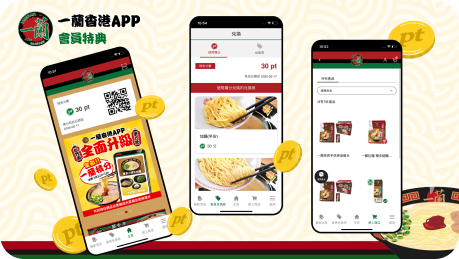
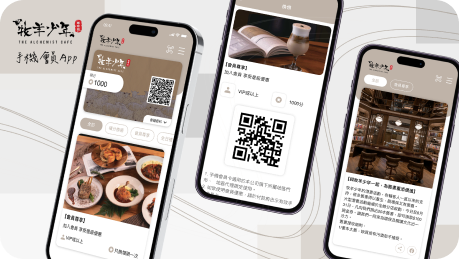
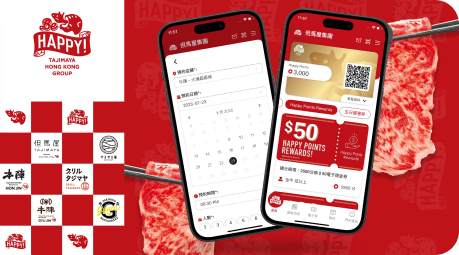
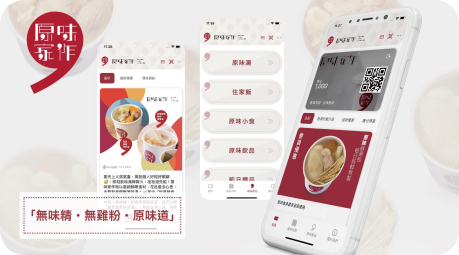
Integrate ordering, inventory, and staff management to streamline your store's operational efficiency.
Once a customer places an order in the app, it links directly to the restaurant's ordering system, routing order details to kitchen staff for sequential preparation. Customers then pick up their meals using their order numbers. This entire process reduces manual ordering, manual cash handling, customer wait times, and in-store crowding.
The back-office displays real-time metrics for each branch, including order volumes, order amounts, and popular item rankings. This assists merchants in monitoring operational efficiency and making timely adjustments to staffing and material allocation.
Once a customer places an order via the app or website, the order is instantly pushed to the in-store notification system.
Orders from both the membership app and the website are imported into the same back-office for unified processing.
The kitchen staff prepares the meals sequentially according to the order queue.
Once the meals are ready, customers collect their food independently based on their order numbers.
The back-office displays real-time order volumes and transaction amounts, helping managers optimize staffing and ingredient allocation.
Yes, you can check each branch's order volume, sales amount, and popular item rankings separately. You can also compare the operational efficiency of all branches collectively.
No. If the store's network disconnects when a customer places an order, the order will be temporarily saved in the cloud. Merchants can view the order details in the back-office, and once the connection is restored, the order will be instantly pushed to the in-store system.


